Uninstall
Software
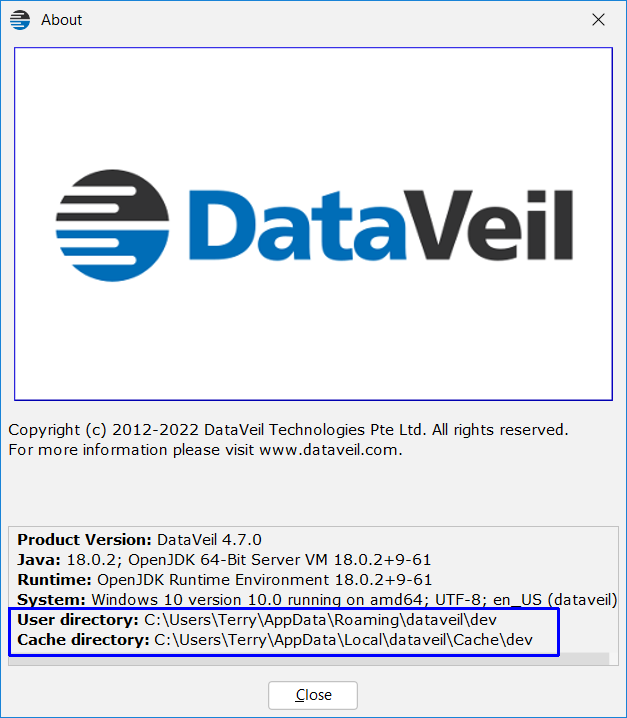
If you would like to remove the DataVeil settings and cache folder please open the GUI, choose Help->About and make a note of the folder locations User directory and Cache directory as shown in the example below:
Also make a note of the DataVeil user data folders that were used to store DataVeil reports and other files. These are listed in Tools->Options, Directories panel.
Close (stop) the DataVeil GUI and then delete the two folders shown in the splashscreen above and the user data folders that were shown in Tools->Options, Directories panel.
Now you can proceed to delete the folder where the software was extracted (i.e. the unzipped folder from where the software is launched).
Delete any directories where you may have installed command line DvWorker and JDBC drivers.
This will have completely removed DataVeil from the installation computer.
Native Library
If the DataVeil Native Library has also been installed on DBMS(s) then you shall need to uninstall those too. The uninstall instructions can be found in the Native Library section.